
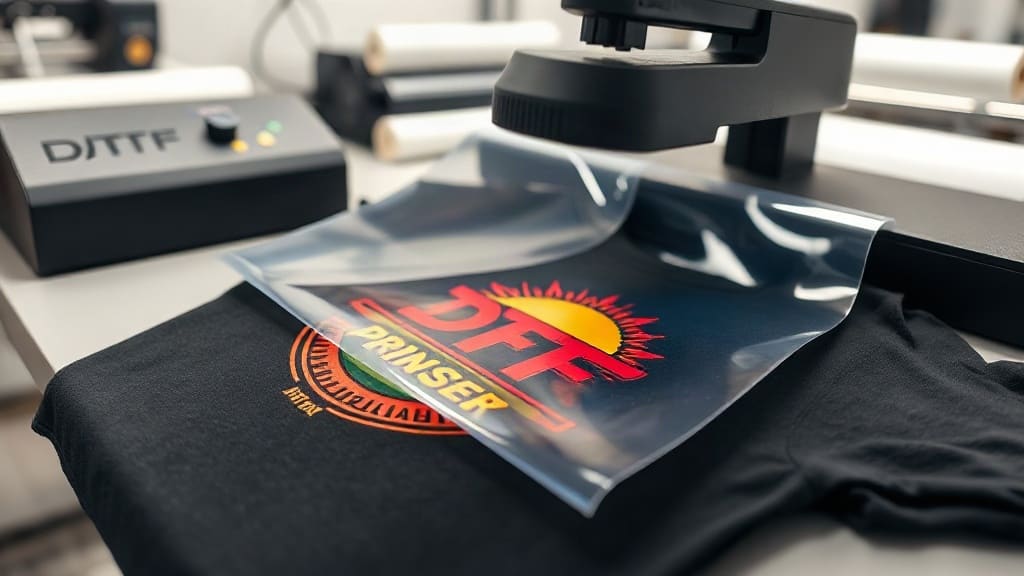
Custom apparel has never been more accessible, thanks to DTF transfers. Whether you're a small business owner looking to offer personalized shirts or a DIY enthusiast wanting to create unique gifts, DTF transfers provide a versatile and cost-effective solution. Unlike traditional methods that require specific fabrics or extensive setup, DTF transfers work on almost any material, delivering bright colors and fine details that last. In this guide, we'll walk you through everything you need to know to master DTF transfers, from understanding the technology to pressing flawless designs.
What Are DTF Transfers?
DTF stands for Direct to Film. It's a printing technology where your design is printed onto a special film, then coated with a adhesive powder and cured. The result is a transfer that can be heat-pressed onto various fabrics. The process involves a DTF printer, which uses pigment-based inks to print onto a PET film. After printing, a powdered hot-melt adhesive is applied, and the film is cured. Once ready, the transfer can be stored and later applied to garments using a heat press. The key advantage is that DTF transfers don't require weeding or masking, and they can be applied to cotton, polyester, blends, and even treated nylon. This versatility makes them a favorite among custom apparel creators.
How DTF Transfers Differ from Other Methods
Compared to screen printing, DTF transfers have lower setup costs and are ideal for small batches or intricate designs. Unlike vinyl, DTF allows for full-color, photographic prints without layering. And unlike DTG (Direct to Garment), DTF works on dark fabrics without a pretreat, and the colors remain vibrant. The durability of DTF transfers is also impressive; when applied correctly, they withstand dozens of washes without fading or cracking. This makes them a reliable choice for both personal and commercial use.
Designing for DTF Transfers
Creating a design for DTF transfers is straightforward, but a few guidelines ensure the best results. Start with high-resolution images (300 DPI) and use CMYK color mode. Remember that DTF printers use white ink as a base, so your design will have a white underbase that makes colors pop on dark garments. However, this also means that any transparency in your design will be printed white. If you want the fabric color to show through, you'll need to simulate it in your design. Also, avoid very fine lines or small text below 6 points, as they may not print cleanly. For best results, use bold fonts and clear graphics.
Preparing Your Artwork
Before printing, ensure your design is mirrored horizontally. DTF transfers are applied face down, so the image must be flipped. Most RIP software automatically mirrors the image, but double-check if you're printing manually. Also, add a small margin around your design to allow for easy trimming. If you're using a DTF printer with a roll feeder, you can nest multiple designs to save film. Always do a test print to check colors and details before committing to a large batch.
The DTF Printing Process Step by Step
Understanding the printing process helps you troubleshoot and improve quality. Here's a breakdown of the steps:
- Printing: Load the PET film into your DTF printer. The printer lays down CMYK inks, followed by a white ink layer. The white ink is crucial for opacity on dark fabrics.
- Powdering: After printing, while the ink is still wet, apply the hot-melt adhesive powder evenly over the film. Shake off excess powder.
- Curing: Place the film in a curing oven or under a heat source to melt the powder. This creates a adhesive layer that will bond to the fabric.
- Pressing: Once cured, the transfer is ready to be applied. Set your heat press to the recommended temperature (usually 300-325°F) and pressure. Press for 10-15 seconds, then peel the film off while hot or cold, depending on the film type.
Each step requires attention to detail. For instance, under-powdering leads to poor adhesion, while over-curing can make the transfer brittle. Following the manufacturer's guidelines for your specific DTF film and powder is essential.
Choosing the Right DTF Film and Powder
Not all DTF films are created equal. There are hot peel and cold peel films. Hot peel films allow you to remove the film immediately after pressing, which speeds up production. Cold peel films require the transfer to cool completely before peeling, often resulting in a smoother finish. The powder also comes in different particle sizes; finer powder is better for detailed designs. Experiment with different combinations to find what works best for your needs.
Applying DTF Transfers: Techniques and Tips
Proper application is key to a long-lasting print. Here are some best practices:
- Pre-press the garment: This removes moisture and wrinkles, ensuring a smooth surface.
- Position the transfer: Place it face down on the garment. Use heat tape if needed to keep it in place.
- Press with firm pressure: Medium to high pressure is typically required. Too little pressure results in poor adhesion; too much can cause the ink to spread.
- Peel carefully: For hot peel, remove the film immediately in a smooth, continuous motion. For cold peel, wait until it's cool to the touch.
- Post-press (optional): Some recommend a second press with a Teflon sheet for a few seconds to enhance durability.
Always test on a scrap fabric first to dial in your settings. Different fabrics may require slight adjustments.
Common Problems and Solutions
Even experienced users encounter issues. Here are some common problems and how to fix them:
- Transfer not sticking: Increase pressure or temperature. Ensure the powder was properly cured.
- Cracking after washing: Usually due to under-curing or insufficient pressure. Try a longer pressing time.
- Colors look dull: Might be due to low ink saturation or incorrect color profile. Check your printer settings.
- Film peeling off too hard: Could be because the transfer was pressed too long or the film is not suited for the fabric. Adjust time or try a different film.
Keep a log of your settings for each fabric type to streamline future jobs.
DTF Transfers vs. Other Decoration Methods
When deciding on a decoration method, consider cost, durability, and fabric compatibility. DTF transfers excel in small to medium runs, complex designs, and on-demand printing. They are more cost-effective than screen printing for short runs and offer better durability than heat transfer vinyl (HTV) for full-color designs. However, for large orders of simple designs, screen printing might be more economical. For 100% cotton, DTG is a direct competitor, but DTF often produces more vibrant colors on dark shirts. Ultimately, DTF transfers offer a balance of quality, versatility, and affordability that is hard to beat.
Cost Considerations
The cost per transfer depends on the size of the design and the materials used. On average, a DTF transfer for a standard front print (around 10x10 inches) costs between $2 and $5 in materials, excluding labor. This is significantly lower than screen printing setup fees for small orders. Plus, you can print multiple designs on one film to maximize efficiency. For businesses, investing in a DTF printer can pay off quickly if you do frequent custom jobs.
Frequently Asked Questions About DTF Transfers
Can I use DTF transfers on 100% polyester?
Yes, DTF transfers work well on polyester. However, polyester requires lower pressing temperatures (around 280-300°F) to avoid scorching or dye migration. Use a low-temperature DTF film and powder for best results. Always test on a small area first.
How long do DTF transfers last?
With proper application and care, DTF transfers can last 50+ washes. To extend longevity, wash garments inside out in cold water and avoid bleach and fabric softeners. Tumble dry low or hang dry.
Do I need a special printer for DTF transfers?
Yes, DTF printing requires a dedicated DTF printer that uses pigment inks and white ink. You can also convert some inkjet printers, but it's not recommended due to reliability issues. Alternatively, you can outsource printing to a DTF service and just apply the transfers yourself.
What is the difference between hot peel and cold peel DTF film?
Hot peel film allows you to remove the carrier film immediately after pressing, which speeds up production. Cold peel film requires the transfer to cool completely before peeling, often resulting in a smoother, more matte finish. The choice depends on your workflow and desired look.
Can I layer DTF transfers?
Yes, you can layer DTF transfers, but it's tricky. You'll need to press the first transfer, then apply the second on top, pressing again. Use a Teflon sheet to protect the first layer. Layering works best with small accents, not full designs.
DTF transfers have opened up a world of possibilities for custom apparel. With the right knowledge and a bit of practice, you can achieve professional-quality results that impress your customers or friends. Remember to source quality materials, follow the guidelines, and don't be afraid to experiment. Your creativity is the only limit.